

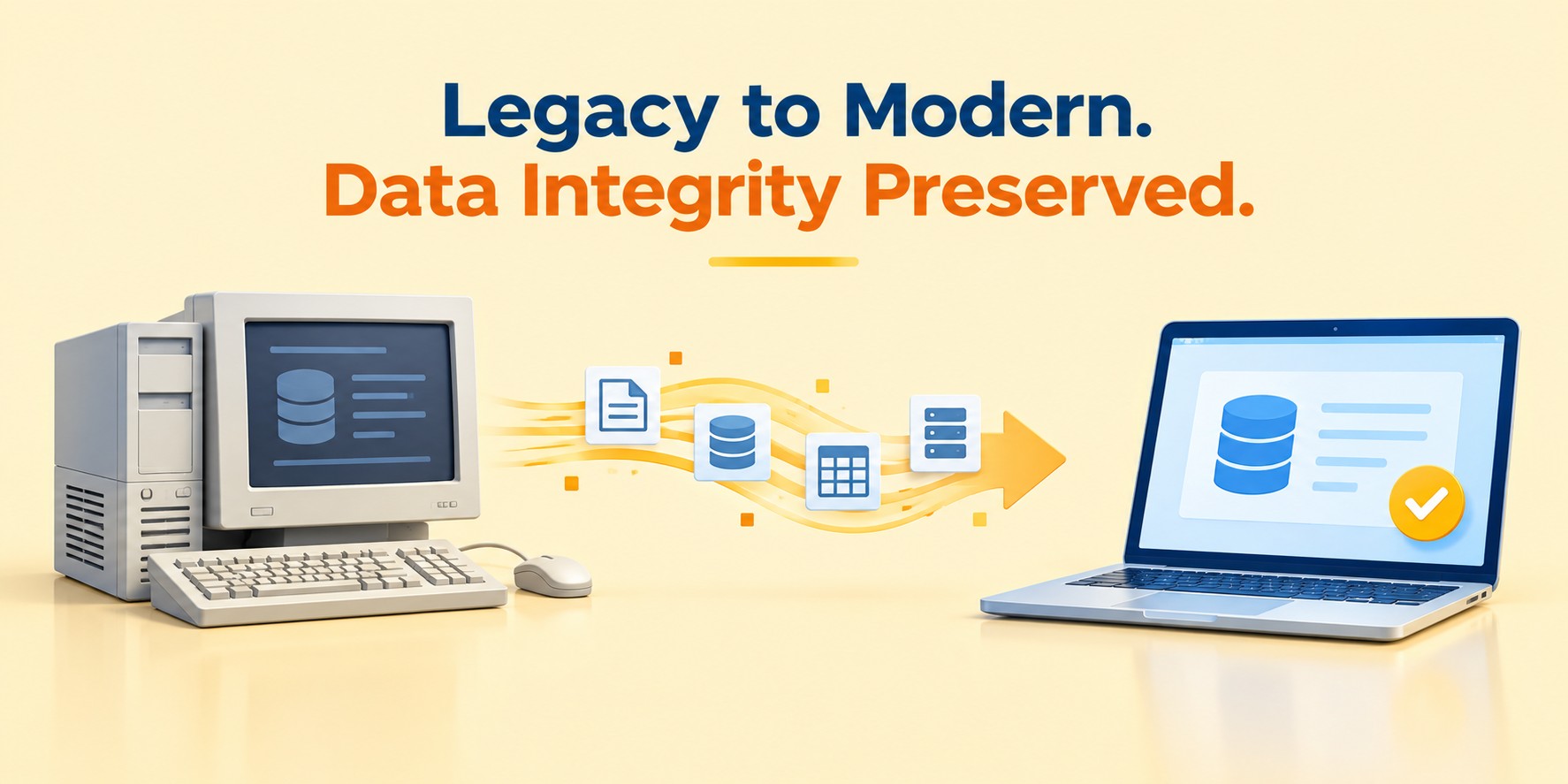
When a pharmaceutical company replaces a legacy system, one of the biggest challenges is deciding what to do with the data in the old system.
Moving records into a new application may sound simple, but the two systems may use different data structures, fields, or workflows. A record that looks correct after migration may still be missing important information.
For GxP systems, a successful data migration means more than transferring records. The data must remain accurate, complete, traceable, and usable for its intended purpose. So how can pharmaceutical companies migrate data without losing its integrity?
1. What Makes GxP Data Migration Different?
In a standard database migration, teams often focus on transferring data, checking record counts, and confirming that the new system works.
GxP data migration requires additional attention to the information that gives each record its meaning.
Consider a laboratory result stored in a LIMS. The result itself is only one part of the record. Other information may include:
- Sample ID and test method
- Result value and units
- Analyst and approval details
- Date and time of testing
- Audit trail and related metadata
If a result of 98.5% transfers correctly but loses its link to the original sample or test method, the migrated record may no longer be reliable for its intended use.
This is why data migration validation must consider both the data values and the context needed to understand them.
EU GMP Annex 11, Section 4.8, addresses this directly by requiring checks that data is not changed in value or meaning when transferred to another system or data format.
2. What Data Should Be Migrated, Archived, or Retained?
Not all historical data needs to move into the replacement system.
For example, a company replacing a LIMS may choose to migrate active samples and open testing records while keeping completed historical records in a controlled archive.
There are three common approaches:
| Approach | When it makes sense |
| Full migration | Historical records are needed in the new system for ongoing work or analysis |
| Archival | Older records must be retained but do not need to be used in the new application |
| Hybrid approach | Active and selected historical records are migrated, while other records remain in an accessible archive |
The choice depends on how the data will be used, how long it must be retained, and whether it can be retrieved and understood later.
Before migration, teams should identify which records, metadata, audit trails, electronic signatures, and relationships must be preserved.
For example, if the new LIMS cannot store historical approval events in the same format as the old system, those events may need to be retained through a separate, controlled archive.
Archiving does not mean simply exporting records to a folder. The archived information must remain protected, readable, and retrievable throughout the required retention period.
3. How Is GxP Data Migration Performed and Verified?
A controlled pharmaceutical data migration typically involves data mapping, transformation, transfer, reconciliation, and verification.
Consider a laboratory migrating 25,000 records from a legacy LIMS into a new LIMS.
Step 1: Map the Source and Target Data
Data mapping defines where information from the old system will be stored in the new system.
The field names and structures may be different, even when they represent the same information.
| Legacy LIMS | New LIMS | Verification |
| Sample_ID | Sample Identifier | Confirm exact match |
| Result_Value | Analytical Result | Compare value and units |
| Test_Method | Method Reference | Verify method mapping |
| Approval_Status | Record Status | Verify status mapping |
| Analysis_Date | Test Date/Time | Verify date, time, and time zone |
The mapping should also identify any information that cannot be transferred directly.
For example, a legacy system may store approval status as a numeric code, while the new system uses text values such as Approved or Rejected.
The migration rules must define how each code will be converted.
Step 2: Define Data Transformation Rules
Data transformation is needed when information must be changed to fit the new system.
Common examples include:
- Converting dates into a different format.
- Converting units of measurement.
- Combining or separating fields.
- Mapping old status codes to new values.
- Updating identifiers to match the target system.
For example, a result stored as 2.5 mg/mL may need to be converted to 2.5 g/L. The numerical value happens to remain the same in this conversion, but the unit must still be correct.
Each transformation should follow a defined rule that can be tested. The migration process should also identify records that do not meet the expected format instead of automatically changing them without review.
Step 3: Perform Data Reconciliation
Data migration reconciliation compares the source and target data to confirm that the required information was transferred correctly. A basic check compares the number of records before and after migration.
For example:
| Reconciliation check | Result |
| Records approved for migration | 25,000 |
| Records successfully loaded | 24,998 |
| Records rejected | 2 |
| Records requiring investigation | 2 |
The rejected records must be investigated and resolved or formally assessed before migration acceptance. However, matching record counts does not prove that the data is correct.
A migration could transfer all 25,000 records while still introducing incorrect values, missing metadata, or broken relationships.
Additional reconciliation checks may include:
- Field-level reconciliation: Compare critical data fields, such as sample IDs, results, units, and approval status.
- Relationship reconciliation: Confirm that records remain linked correctly. For example, a test result must still be associated with the correct sample and batch.
- Metadata verification: Check that required timestamps, user information, and approval details remain available.
- Transformation verification: Confirm that converted values match the approved mapping rules.
For large datasets, automated comparison scripts can make these checks more efficient and provide repeatable evidence.
Step 4: Apply Risk-Based Verification
Not every data field presents the same level of risk.
An incorrect analytical result may affect a product quality decision, while an incorrect noncritical description may have a lower impact.
The verification approach should reflect these differences.
For example:
| Data type | Possible verification approach |
| Critical analytical results | Automated comparison of all migrated values |
| Sample and batch relationships | Verify all critical links |
| Approval status and required metadata | Verify against approved mapping rules |
| Low-risk reference information | Risk-based sampling, where justified |
These are examples, not fixed regulatory testing requirements.
The level of testing should depend on data criticality, migration complexity, and intended use.
Where practical, automated checks can be used across the full dataset, while manual reviews can focus on complex records and exceptions.
4. How Should Migration Errors Be Handled?
Migration errors are common when working with older applications, especially when data has been stored over many years. Examples include duplicate sample IDs, missing mandatory fields, invalid dates, unsupported characters, and records that fail to load.
Each issue should be recorded and assessed. For example, suppose two records in the legacy LIMS share the same sample identifier, but the new LIMS requires every identifier to be unique.
The migration team should not simply delete one record or assign a new identifier without understanding why the duplicate exists. The team needs to determine whether the records are genuine duplicates, separate records created under different rules, or the result of a historical data issue. Once the cause is understood, the correction should follow an approved approach. If a migration script or mapping rule is changed, the affected data should be reprocessed and verified again.
The goal is not to achieve a clean migration report by hiding exceptions. It is to demonstrate that the differences have been understood and appropriately resolved.
5. Does GxP Data Migration Require Validation?
For GxP data, the organization needs documented evidence that the migration process has preserved the information required for its intended use.
The exact verification and validation activities depend on the system, the data being moved, and the risk associated with its use.
For example, migrating historical laboratory results that may support future product investigations requires different considerations from transferring noncritical reference information.
A migration package may include:
- An approved migration plan and acceptance criteria
- Source-to-target mapping and transformation rules
- Migration execution records
- Reconciliation and verification results
- Exception and deviation records
- Final review and approval
These records help demonstrate what was migrated, how it was checked, and whether the results met the agreed requirements.
A successful technical transfer does not automatically mean that the migration is acceptable for GxP use.
The receiving system must also support the required access, record retrieval, and intended use of the migrated information.
6. GxP Data Migration Verification Checklist
Before approving a migration, confirm that:
- The migration scope and intended use are defined.
- Records to be migrated or archived are identified.
- Required metadata, audit trails, and record relationships are addressed.
- Source-to-target mapping and transformation rules are approved.
- Record counts and critical field values have been reconciled.
- Data relationships and required metadata have been verified.
- Migration exceptions have been investigated and resolved or formally accepted.
- Required verification evidence has been reviewed and approved.
- Archived records remain protected, readable, and retrievable.
This checklist can be adapted based on the system, migration method, and data risk.
Final Takeaway
GxP data migration is not just about moving information from one system to another. It is about making sure that information remains reliable after the move.
Whether replacing a LIMS, MES, eQMS, or another pharmaceutical application, the key is to define what must be preserved, control how data is transferred, and verify the results.
A well-planned migration helps companies modernize legacy systems while maintaining confidence in their GxP records.
How Assurea Can Help
At Assurea, we support pharmaceutical and biotechnology companies with data modernization, legacy system migration, data integration, and GxP validation.
Our teams help define migration strategies, develop data mapping and reconciliation approaches, assess data integrity risks, and prepare the verification evidence needed for regulated systems.
Whether you are migrating to a new LIMS, MES, eQMS, or modern data platform, we help ensure that your data remains reliable, traceable, and ready for use.