
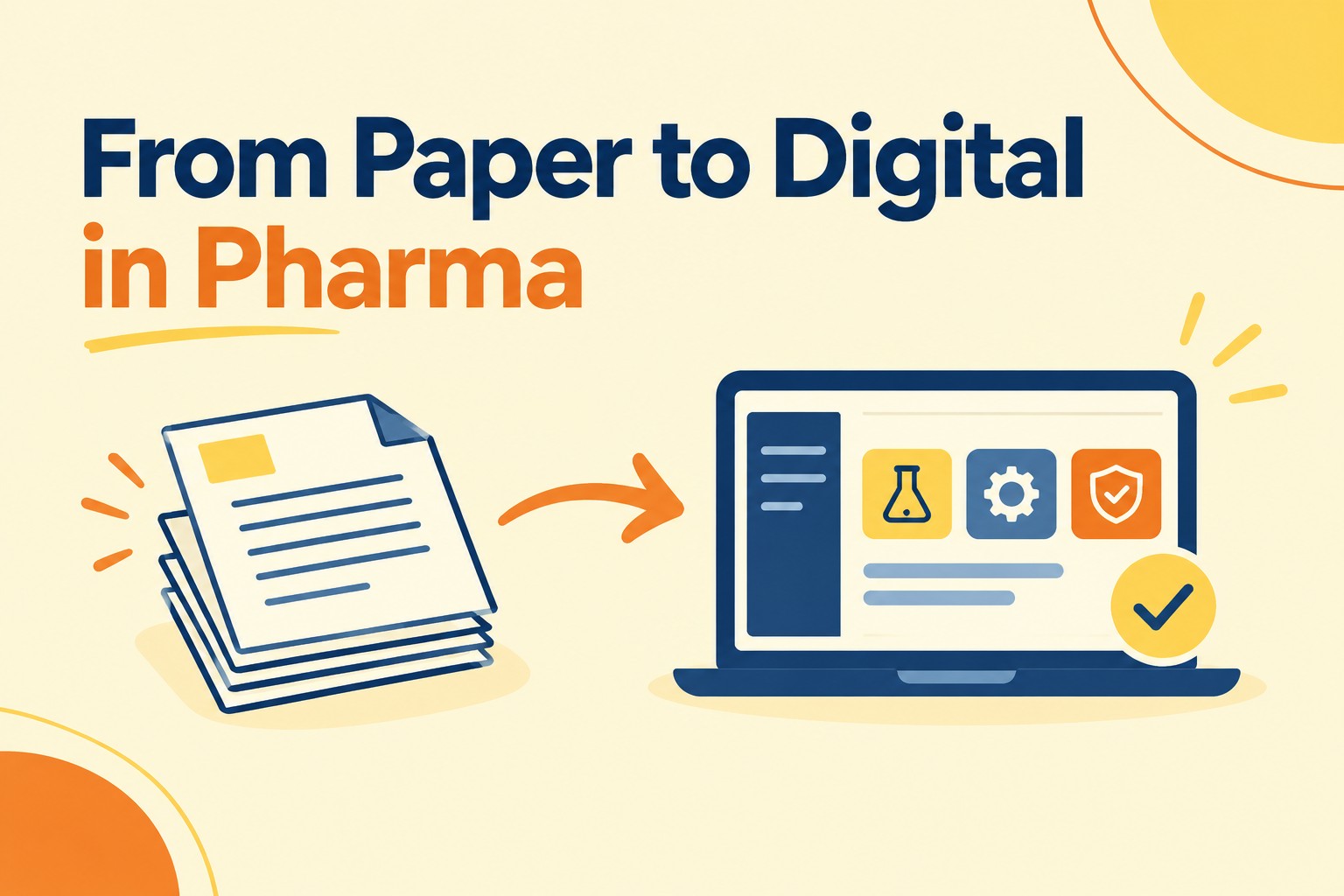
Moving from paper to digital sounds simple.
Replace paper records with a digital system.
In practice, there is much more to it.
A laboratory may replace paper worksheets with a Laboratory Information Management System (LIMS). Manufacturing may move from paper batch records to an MES or electronic batch record (eBR). Quality may move deviations, CAPAs and change controls into an electronic Quality Management System (eQMS).
But implementing the software is only part of the work.
The process needs to make sense. Requirements need to be clear. Data may need to move. Systems may need to connect. Users need to know what to do. And for GxP systems, Quality and validation need to be considered throughout the implementation.
The goal isn’t simply to eliminate paper.
The goal is to create a digital process that is usable, connected, compliant and ready for operations.
What Does Paper to Digital Mean in Life Sciences?
Paper-to-digital transformation means taking a process that depends on paper, spreadsheets, email or other manual activities and moving it into a controlled digital workflow.
That could mean:
| If you’re digitizing… | Common system |
| Laboratory samples, testing and results | LIMS |
| Batch execution and manufacturing records | MES / eBR |
| Deviations, CAPAs, change controls and audits | eQMS |
| SOPs and controlled documents | EDMS |
| Training and qualification records | LMS |
| Materials, inventory and enterprise processes | ERP |
| Clinical processes and data | Clinical systems |
The first question shouldn’t be:
“Which software should we buy?”
A better starting point is:
“How should this process work once it is digital?”
That question affects almost everything that comes next: system selection, requirements, configuration, data, integrations, validation, testing and ultimately how people use the system.
Start With the Process, Then Build the Digital System Around It
One of the most useful things a team can do before implementing a new digital system is understand how the process works today.
Take a deviation process as an example.
Someone may complete a form, email it to Quality, enter information into a spreadsheet, send follow-up emails and manually track when the investigation is due.
Simply recreating every one of those steps inside an eQMS misses much of the opportunity.
Before configuring the system, understand:
- What starts the process?
- Who performs each activity?
- What information needs to be captured?
- Which approvals are actually required?
- Where is information entered more than once?
- What is currently happening through email or spreadsheets?
- Which manual steps could be simplified?
- What should the future process look like?
The same thinking applies to a LIMS, MES, EDMS, LMS or other digital system.
Don’t just digitize the paper process. Decide how the process should work digitally.
Define what the system actually needs to do
Once the future process is understood, requirements become much easier to define.
Requirements should explain what the organization needs the system to do and why.
For example:
The system shall support deviation management.
That doesn’t tell the implementation team very much.
The team still needs to understand who can initiate a deviation, what information must be entered, how it is routed, who reviews it, what approvals are required, what happens when information is returned and what records need to be retained.
Depending on the system, requirements may cover:
- Business and user needs
- GxP requirements
- Workflows and approvals
- Data
- Reports
- User access and security
- Electronic records and signatures
- Integrations
- Notifications
- Audit trails
Clear requirements give the business, IT, Quality, validation and software vendor a common understanding of what is being implemented.
They also help the organization make better decisions about configuration and customization.
Just because a system can be configured a certain way does not mean it should be.
Start with the business need. Then determine whether standard system functionality can meet that need before adding unnecessary complexity.
Think about the whole digital environment
A new system rarely operates completely by itself.
A LIMS may need information from instruments, ERP or MES.
MES may connect with ERP, LIMS, historians or manufacturing automation.
An eQMS may connect with an EDMS, LMS or other business systems.
For every important connection, understand:
- What information needs to move?
- Where does it come from?
- Where does it go?
- Which system is the source of the information?
- When should information be transferred?
- What happens if the interface fails?
- How will the interface be tested?
This is where system integration, interfaces and data flows become part of digital implementation rather than something addressed after the system has already been configured.
It is also an important step toward creating a more connected digital environment.
Plan Data, Quality and Validation as Part of the Implementation
A digital implementation isn’t only about system configuration.
The data inside the system and the evidence supporting its intended use matter just as much.
Plan data migration early
A new system may be ready, but the organization could still have years of information in an old application, spreadsheets or paper records.
Not all of that information necessarily needs to move.
Before data migration begins, decide:
- What data needs to migrate?
- What should remain archived?
- Who owns the source data?
- Does the data need to be cleaned?
- How will old fields map to the new system?
- How will migrated data be checked?
- How will historical information remain available?
For GxP systems, teams also need confidence that required information was transferred completely and accurately.
That is why data migration strategy, mapping, cleansing, reconciliation and verification should be considered early in the implementation.
Data migration shouldn’t become the problem everyone discovers right before go-live.
Build Quality and validation into the implementation
For a GxP digital system, validation should not begin after the software is already configured and someone asks Quality to approve it.
Quality, validation and compliance considerations should be part of the implementation from the beginning.
That includes understanding:
- Intended use
- GxP impact
- Critical functions
- Data flows
- System configuration
- Interfaces
- User access
- Audit trails
- Electronic records and signatures
- Data integrity
- Vendor documentation and testing
- Client-specific risks
This is where CSV became part of digital implementation.
The goal is to have appropriate evidence that the system is fit for its intended use and that the functions that matter have been appropriately assessed and tested.
Vendor documentation and testing may also be useful.
If a supplier has already tested standard functionality and the evidence is appropriate, the implementation team can determine what can be leveraged and where client-specific testing is still needed.
This allows validation to support the implementation instead of becoming a separate exercise at the end.
Bring the Right Teams Together and Prepare for Go-Live
Digital implementation isn’t only an IT project.
The business understands how the process needs to work.
- IT understands the technology and environment.
- Quality understands the quality system and compliance expectations.
- Validation determines how intended use, risk and testing will be demonstrated.
- Data teams may support migration, integrations and data quality.
- The software vendor or implementation partner understands the application, configuration and technical capabilities.
These groups need to make decisions together.
Clear ownership is especially important for requirements, configuration, data migration, integrations, testing, issue resolution and go-live readiness.
What should be ready before go-live?
Go-live isn’t simply the date when the software becomes available.
It is the point when the organization is ready to use the system as part of normal operations.
Before go-live, teams should be able to answer:
- Is the system configured and ready?
- Has required testing been completed?
- Is validation complete?
- Has migrated data been verified?
- Are integrations working as intended?
- Are users trained?
- Are procedures ready?
- Are user roles and access established?
- Are remaining issues understood?
- Is support available after launch?
- Who owns the system going forward?
There should also be a plan for support after go-live.
Users will have questions. Issues may appear. Vendor releases will occur. Processes may change. New integrations may eventually be added.
Digital implementation does not end when the system goes live.
The system needs to remain useful, supported and appropriately maintained throughout its lifecycle.
From Paper to Digital. From Digital to Intelligence.
Getting rid of paper is valuable, but it is only the beginning.
A paper-based process primarily creates records that people need to find and review.
A digital system can create structured information that is easier to search, compare, connect and use.
When systems are connected and the underlying data is trusted, organizations can begin using that information across functions rather than keeping it inside individual applications.
That creates opportunities for:
- Cross-system reporting
- Manufacturing Intelligence
- Quality Intelligence
- Process analytics
- Data trending
- Advanced analytics
- AI-assisted analysis
For example, once manufacturing, laboratory and quality information is available digitally, teams can start asking broader questions.
- Why are certain batches performing differently?
- Where are we losing product?
- Are manufacturing conditions associated with different analytical results?
- Are similar deviations occurring repeatedly?
- What can we learn by looking across manufacturing, laboratory and quality information together?
This is an important part of the paper-to-digital journey.
The immediate goal may be implementing a LIMS, MES or eQMS.
The longer-term opportunity is creating a digital environment where information can be used more effectively across the organization.
A Practical Way to Think About Digital System Implementation
Whether an organization is implementing LIMS, MES, eQMS, ERP, EDMS, LMS, a clinical platform, SaaS application or another GxP system, the technology may be different, but the core questions are similar.
The process: How should the work actually happen?
The requirements: What does the system need to do?
The data: What needs to move, remain accessible or connect with other systems?
The technology: How will the system be configured and integrated?
The people: Who owns the process, system and important decisions?
Quality and compliance: What needs to be assured or validated, and how should risk guide the approach?
The transition: What needs to be ready before people begin using the system?
The future: How can the resulting digital information support connected data, analytics and intelligence?
A digital system should not simply be installed.
It should be fit for intended use, validated as appropriate, integrated where needed and ready to become part of the way the organization actually works.
Frequently Asked Questions
What is paper-to-digital transformation in pharma?
Paper-to-digital transformation means moving paper-based or manual life sciences processes into controlled digital workflows. This can include implementing systems such as LIMS, MES, eQMS, EDMS, LMS and ERP while addressing the process, data, integrations, users, Quality and validation needed to make the system operational.
What should a company do before implementing LIMS, MES or eQMS?
Start by understanding the current process and defining how it should work digitally. From there, define intended use, requirements, system ownership, data needs, integrations, validation strategy and implementation responsibilities before major configuration begins.
Does a LIMS, MES or eQMS need to be validated?
When a computerized system is used to support GxP activities, the organization needs an appropriate assurance and validation approach based on its intended use, risk and applicable regulatory requirements. The approach will depend on the system and how the organization uses it.
What is the difference between CSV and CSA during implementation?
CSV is the broader practice of establishing documented evidence that a computerized system is fit for its intended use. Computer Software Assurance (CSA) emphasizes critical thinking and risk-based assurance, including focusing testing effort on functions that matter most rather than creating documentation simply for its own sake.
How should data migration be handled during a GxP system implementation?
Start by determining what information needs to move and what can remain archived. Then define data ownership, mapping, cleansing, migration, reconciliation and verification so the organization can confirm that required information was transferred appropriately.
When should Quality and validation become involved in a digital implementation?
Early. Quality and validation decisions can affect requirements, configuration, data, integrations, vendor evidence, testing and go-live. Involving these teams early makes compliance part of the implementation rather than something added at the end.
Do all digital implementations require extensive system integration?
No. The amount of integration depends on the system and its intended use. A focused SaaS application may have few interfaces, while an MES or LIMS implementation may connect with several laboratory, manufacturing and enterprise systems.
What comes after paper-to-digital implementation?
Once processes are digital, organizations can begin connecting systems and making their data easier to use across the business. This can create the foundation for reporting, advanced analytics, Manufacturing Intelligence, Quality Intelligence and AI.